Intermittent fasting timer for your Wear OS watch and phone
Fastember is a simple intermittent fasting timer for your Wear OS watch and your phone. Tap when you finish eating, tap when you eat again, and feel one firm buzz at your goal.
What Fastember does
One tap on your wrist
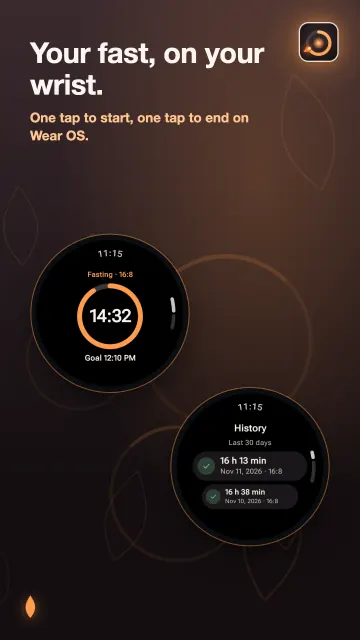
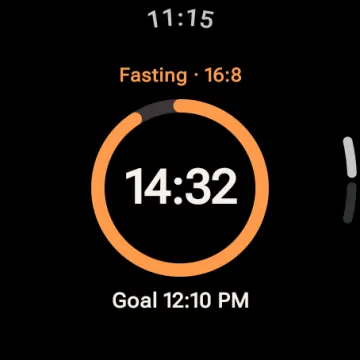
Start and end a fast from the watch. The watch works without your phone nearby and stays in sync with the phone app.
Tile and complication
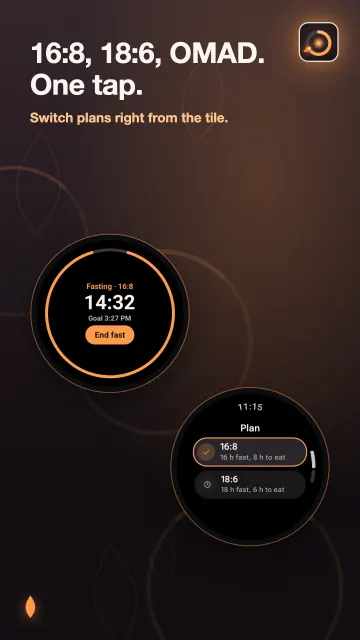
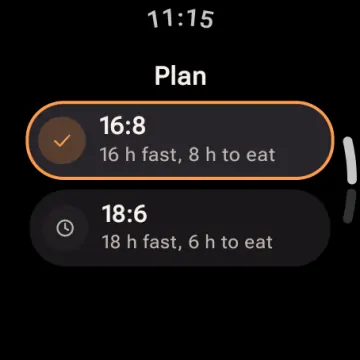
Switch between 16:8, 18:6 and OMAD in one tap on the tile, and see the time fasted with a ring on your watch face.
A buzz at your goal
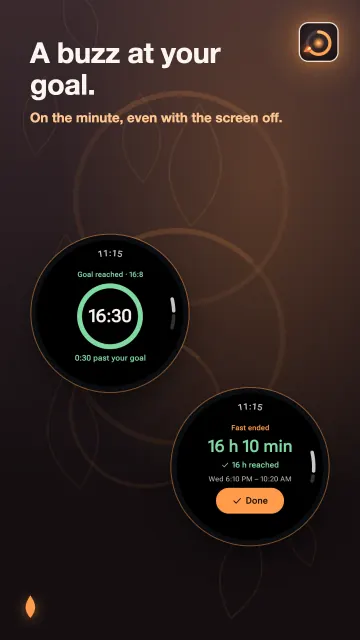
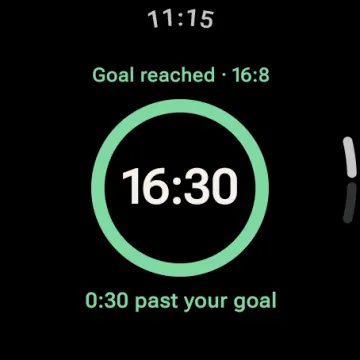
The goal buzz is set as an alarm, so it comes on time, even with the screen off.
History at a glance
A calendar heatmap glows brighter on longer fasts, next to your streak, longest fast and average. Move the start time back if you began earlier.
Time only
No food logging and no calorie counting. Track your weight as an optional curve and export fasts as CSV with Pro.
Cards for your milestones
Your first 16 hours, your 10th, 50th and 100th fast, a new longest fast and your streaks become cards to save or share.
See it in action
Video on our YouTube channel. The player loads only when you press play.
Questions
Is there a fasting timer for Wear OS?
Yes. Fastember starts and ends fasts on your Wear OS watch, with a tile, a complication and a buzz when you reach your goal.
Is there a fasting timer widget on the watch face?
Yes. Add the complication to see the time fasted and a ring, and a small fasting chip stays on the watch face while you fast.
Is Fastember free?
The timer is free on watch and phone, with the 16:8 and 18:6 plans and the last 7 days of history. An optional one-time Pro unlock adds more plans and features. No subscription, no ads.
Is intermittent fasting right for me?
Fastember is a timer, not a medical device, and gives no medical advice. If you are under 18, pregnant or breastfeeding, have a health condition or take medicine, talk to a doctor first.
More from Dolphin Studio

See all apps · Fastember follows the Dolphin Studio privacy policy. Questions? Contact support.