
Reading log app with a one-tap timer on your Wear OS watch
Start a reading session with one tap on your phone or Wear OS watch, stop when you put the book down and note your page. Pagewick counts minutes and pages and keeps your streak.
What Pagewick does
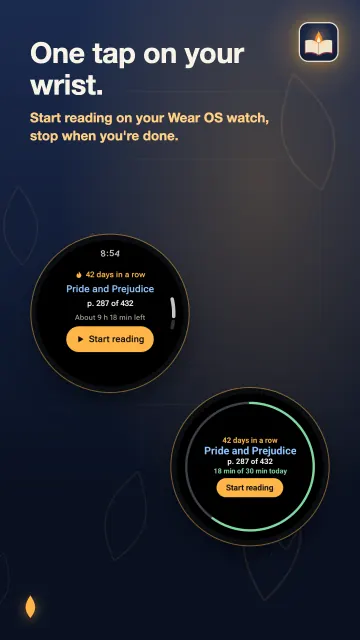
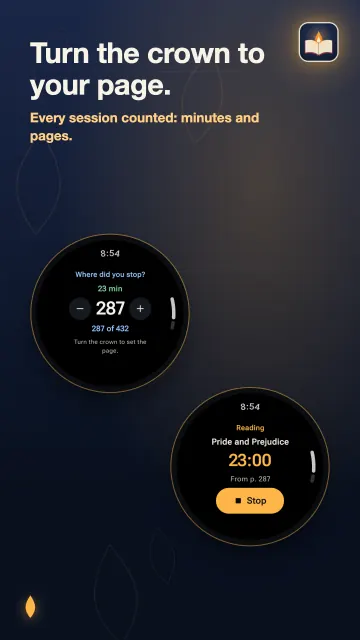
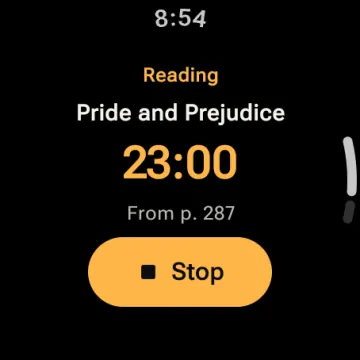
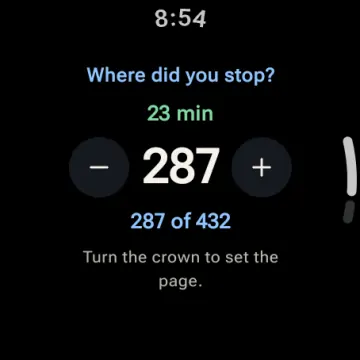
One tap to read on Wear OS
Start and stop the timer on the watch, then turn the crown to the page you reached. A reading chip stays on the watch face while you read.
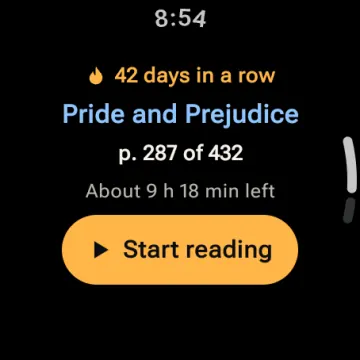
Tile and complication
See your streak, the book in your hands and today's minutes as a ring, with a Start button one tap away.
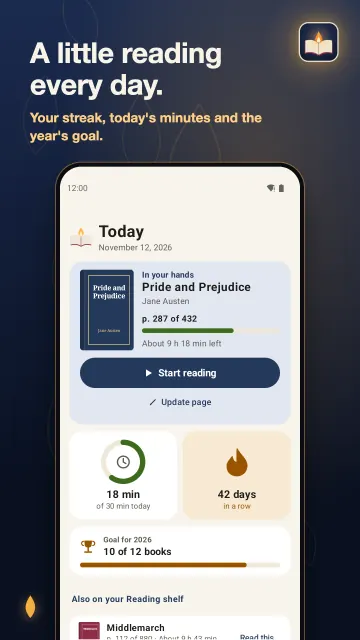
Three shelves
Reading, Want to read and Finished. Add a book by scanning its barcode, typing the ISBN or by hand.
Your pace and your year
Each book shows its sessions, time read and the time left at your pace. Set a yearly goal and watch hours, pages and reading days add up.
Cards for finished books
Give a book stars and one line, and Pagewick makes a card with its cover, dates and time it took. Your year in books gets a card too.
See it in action
Video on our YouTube channel. The player loads only when you press play.
Questions
Is there a reading tracker app with a timer?
Yes. Pagewick times each reading session on your phone or Wear OS watch and tracks minutes, pages and your streak.
Can I add books by scanning the barcode?
Yes. Scan the barcode on the back cover or type the ISBN, and title, author, page count and cover come from Open Library.
Does it track reading streaks?
Yes. Pagewick keeps your days in a row, with moments at 7, 30, 100 and 365 days.
Is Pagewick free?
The shelves, scanning, the timer, the watch app, the yearly goal and every card in the Paper style are free. An optional one-time Pro unlock adds more. No subscription, no ads.
More from Dolphin Studio



See all apps · Pagewick follows the Dolphin Studio privacy policy. Questions? Contact support.