
Kegel Trainer and Reminder for Your Wear OS Watch
Pelvic floor exercises take two minutes. Remembering them is the hard part. Squeezewrist reminds you during the day and guides every squeeze with a tap on your wrist.
What Squeezewrist does
Guided by vibration only
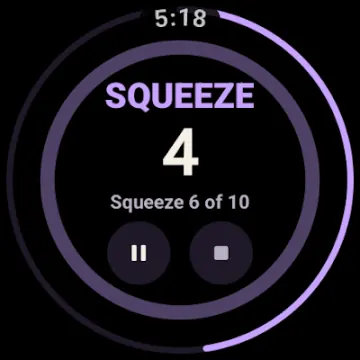
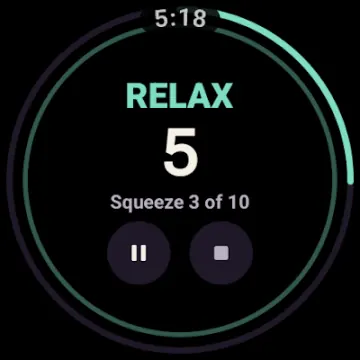
Three rising taps mean squeeze and hold, a soft fading swell means relax. It never plays a sound and never pauses your music, podcast or call.
Reminders you can count on
Up to four a day. They arrive with the screen off, return after a restart, follow a new time zone and go quiet once the goal is met.
Six levels
From 3-second holds to 10, opening as you practise.
Today at a glance
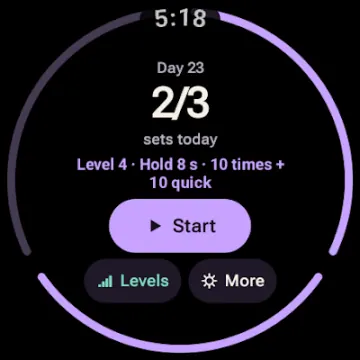
Today's sets as a ring on the home screen, a tile with one-tap Start and a watch face complication.
Certificates for your habit
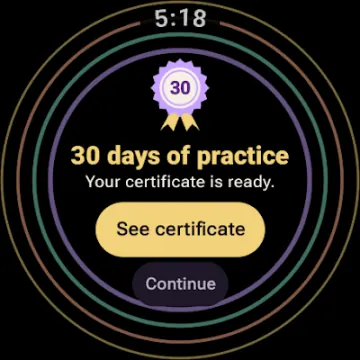
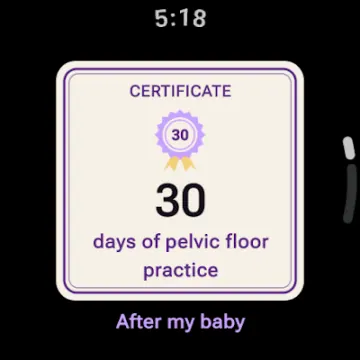
After 30 and 100 practice days, a certificate with the dates, every squeeze, the time held and the level reached.
Questions
How do I do kegel exercises with Squeezewrist?
Press Start and put your arm down. Follow the taps: rising taps to squeeze and hold, a fading swell to relax, short buzzes for quick squeezes. This is an exercise timer, not medical advice.
Is there a kegel reminder app for my watch?
Yes. Squeezewrist runs on Wear OS and reminds you up to four times a day, even with the screen off. Snooze a reminder for 15 minutes with a tap.
Is it for men and women?
It is a general pelvic floor exercise timer. If you are pregnant, recovering or feel pain, ask your doctor or physiotherapist first.
Is the kegel app free?
Levels 1 and 2, every reminder, the tile, the complication and the 30-day certificate are free. One optional purchase unlocks the rest. No subscription, no ads.
More from Dolphin Studio


See all apps · Squeezewrist follows the Dolphin Studio privacy policy. Questions? Contact support.