Repeating Vibration Reminder for Your Wear OS Watch
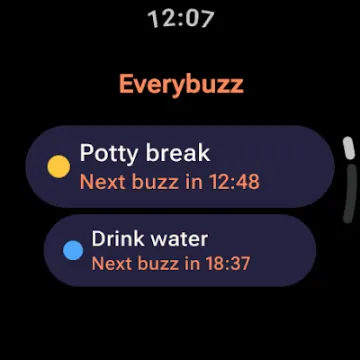
Everybuzz taps your wrist on a steady beat: every 30 minutes, every 5 minutes, every 45 seconds, or any interval you like. Set it once, and it stops by itself when you say.

What Everybuzz does
Any interval
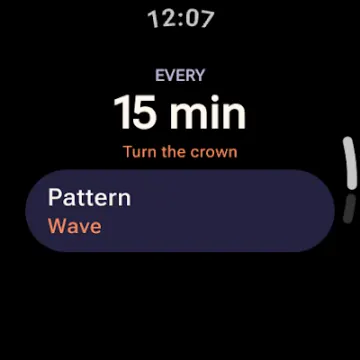
From 10 seconds to 12 hours, picked with the crown or rotating bezel. Six haptic patterns, from a single tap to a heartbeat.
Stops by itself
After a number of buzzes, after a while, or at a set time. Daily routines with active hours and weekdays, plus quiet hours at night.
Ready-made scenes
Potty training, focus check-ins, hydration, posture and stand breaks, and study sprints.
Stars and streaks
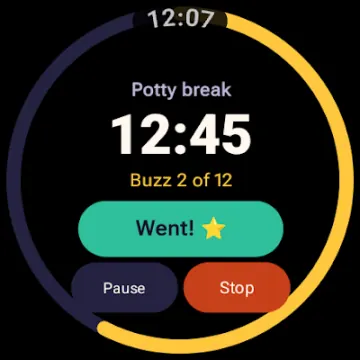
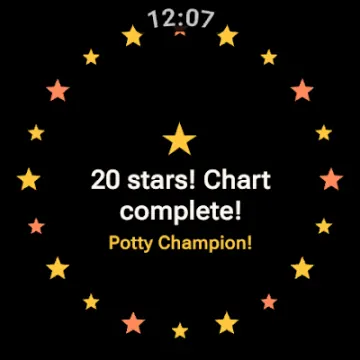
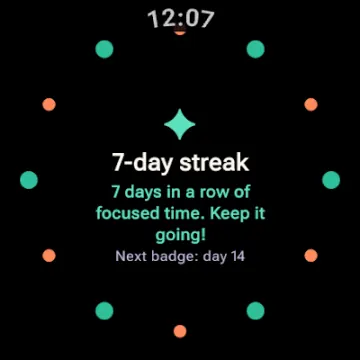
Tap Went! for a potty training star; at 20 stars the screen celebrates. Focus check-ins and study sprints build day streaks.
Tile and complication
A tile shows the next buzz and restarts your last reminder in one tap. A complication counts down to the next buzz.
Made for the watch alone
No phone app, no account. One purchase, no subscription, no ads, no data collected.
See it in action
Video on our YouTube channel. The player loads only when you press play.
Questions
How do I make my watch vibrate every hour?
Set an interval of one hour in Everybuzz. You can add active hours and weekdays, like every hour from 8:00 to 20:00 on workdays.
Can my watch vibrate every minute?
Yes. Any interval from 10 seconds up works. Intervals under a minute wake the watch often and use more battery, so they suit short sessions.
Is there a vibration reminder app for a watch?
Yes. Everybuzz is made for Wear OS watches alone, with no phone app needed.
Why does Everybuzz ask for Alarms and reminders?
That permission lets buzzes come on time while the watch rests. Without it, only reminders 15 minutes or more apart can start, and a buzz may come late.
More from Dolphin Studio

See all apps · Everybuzz follows the Dolphin Studio privacy policy. Questions? Contact support.